Disclosure: Some links in this article are affiliate
links. We may earn a commission if you click and make
a purchase, at no extra cost to you.
Looking for an honest Cursor AI review? We used it
daily for a month across React Python and TypeScript
projects. Here’s exactly what makes it special and
whether it’s worth switching from GitHub Copilot.
QUICK VERDICT
Tool: Cursor AI
Score: 9.2/10
Best for: Developers who want AI deeply embedded in their editor
Price: Free / $20/mo (Pro)
Free Plan: Yes — generous free tier
Best alternative: GitHub Copilot at $10/mo
PROS
✓ Composer understands your entire codebase
✓ Multi-file editing from natural language
✓ Built on VS Code — instantly familiar
✓ Reference files docs and web pages with @
✓ Claude 3.5 and GPT-4o both available
✓ Free tier is genuinely usable
✓ Tab autocomplete is excellent
✓ Chat can explain any file or function
CONS
✗ $20/mo — double the price of GitHub Copilot
✗ AI can make unexpected changes across files
✗ Privacy-conscious devs may prefer Copilot
✗ Occasional context confusion on huge codebases
✗ Requires switching from your current IDE
WHAT IS CURSOR AI?
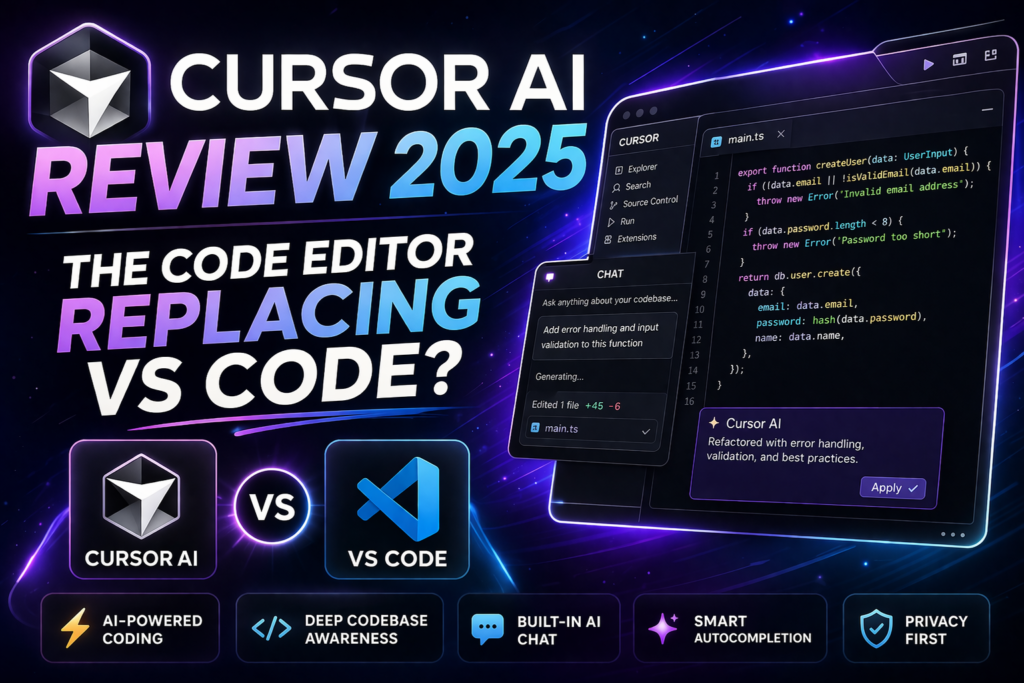
Cursor is an AI-first code editor built on the
VS Code foundation. While GitHub Copilot adds AI
features to your existing editor Cursor was
rebuilt from the ground up with AI as the core
feature — not an add-on.
The key difference is Cursor’s Composer feature
which can understand your entire codebase make
changes across multiple files and complete complex
coding tasks from a single natural language prompt.
Launched in 2023 Cursor has become the fastest
growing developer tool in recent memory with
developers at OpenAI Shopify and thousands of
startups adopting it as their primary editor.
HOW WE TESTED CURSOR AI
We tested Cursor over 30 days across:
- Building a full stack React application from scratch
- Refactoring a large existing Python codebase
- Debugging complex TypeScript errors
- Writing comprehensive test suites
- Adding new features to existing projects
CURSOR AI PRICING
Free Plan — $0/month
- 2000 completions per month
- 50 slow premium requests
- Access to base models
- All core editor features
Pro Plan — $20/month
- Unlimited completions
- 500 fast premium requests per month
- Access to Claude 3.5 Sonnet and GPT-4o
- Unlimited slow premium requests
Business Plan — $40/month per user
- Everything in Pro
- Centralized billing
- Admin dashboard
- Privacy mode enforced
The free plan is surprisingly generous — 2000
completions covers light to moderate use. The
Pro plan at $20/month is the right choice for
professional developers.
CURSOR AI KEY FEATURES
Composer — The Game Changer
Composer is what separates Cursor from every
other AI coding tool. Open it with Cmd+I and
describe what you want to build or change in
plain English. Cursor then makes the necessary
changes across multiple files simultaneously.
Example — type “Add user authentication with
JWT tokens to this Express app” and Cursor will
update your routes middleware models and tests
across however many files are needed. This is
genuinely transformative for complex projects.
Codebase Understanding
Use the @ symbol to reference specific files
functions documentation web pages or your
entire codebase in your prompts. Cursor reads
the referenced context and gives responses
that actually understand your specific code.
Tab Autocomplete
Cursor’s autocomplete goes beyond single lines.
It predicts entire multi-line changes suggests
the next logical step in your code and learns
your patterns over time. Noticeably better than
GitHub Copilot’s autocomplete in our testing.
Chat Interface
The built-in chat lets you ask questions about
your code fix bugs explain functions and get
suggestions without leaving the editor.
Reference any file with @ and the chat
understands your full context.
Model Choice
Cursor gives you access to multiple AI models
including Claude 3.5 Sonnet and GPT-4o. Switch
between them depending on the task — Claude
for complex reasoning GPT-4o for speed.
OUTPUT QUALITY — WHAT WE FOUND
Composer is the standout feature and it lives
up to the hype. For adding features to existing
codebases it’s genuinely transformative. Tasks
that used to take hours of careful editing
across multiple files now take minutes.
The autocomplete is excellent — better than
GitHub Copilot in our testing for predicting
multi-line completions and understanding context.
The main caveat is that Composer can sometimes
make unexpected changes. Always review the diff
before accepting changes especially on production
code. This isn’t a criticism — it’s just the
nature of AI making broad codebase changes.
CURSOR AI SCORE BREAKDOWN
AI Code Generation: 9.5/10
Codebase Understanding: 9.4/10
IDE Features: 8.9/10
Autocomplete: 9.2/10
Value for Money: 8.6/10
Ease of Adoption: 9.0/10
Overall: 9.2/10
HOW CURSOR COMPARES
Cursor vs GitHub Copilot
Cursor wins on raw AI capability — Composer and
codebase understanding are significantly better.
GitHub Copilot wins on price ($10 vs $20) trust
and enterprise features. For individual developers
who want maximum AI power Cursor is worth the
premium.
Cursor vs Tabnine
Cursor wins on AI quality by a significant margin.
Tabnine wins for privacy-conscious teams since
it can run fully on-device. Different priorities.
WHO IS CURSOR AI BEST FOR?
Cursor is best for:
- Developers who want maximum AI coding capability
- Teams building complex multi-file applications
- Developers comfortable switching IDEs
- Anyone who spends most of their day in VS Code
- Startups and individual developers
Cursor is NOT ideal for:
- Enterprise teams with strict privacy requirements
- Developers who only occasionally need AI help
- Users who need extensive IDE plugin ecosystems
- Budget-conscious developers (GitHub Copilot is cheaper)
OUR VERDICT
Cursor AI earns its 9.2/10 as the most impressive
AI coding tool we have tested. The Composer feature
is genuinely transformative for complex projects
and the codebase-wide understanding makes it
feel like having a senior engineer helping you.
For serious developers the $20/month premium over
GitHub Copilot is justified by the significant
capability difference. The free tier is generous
enough to properly evaluate before committing.
If you code professionally and haven’t tried
Cursor yet — try it this week. It’s the most
significant productivity improvement in developer
tooling we’ve seen in years.
Also check out these related reviews:
- GitHub Copilot Review — The Alternative
[link to aitooldecks.com/github-copilot-review/] - Best AI Coding Tools 2025
[link to aitooldecks.com/best-ai-coding-tools-2025/]
FREQUENTLY ASKED QUESTIONS
Is Cursor AI free?
Yes — Cursor has a free tier with 2000 completions
per month and 50 premium requests. It’s generous
enough to properly evaluate the tool before
committing to the $20/month Pro plan.
Is Cursor better than GitHub Copilot?
For raw AI capability yes — Cursor’s Composer
and codebase understanding are significantly
more powerful. GitHub Copilot is cheaper at
$10/month and has better enterprise features.
Choose based on your priorities.
Does Cursor work with VS Code extensions?
Yes — since Cursor is built on VS Code it
supports most VS Code extensions. You can
import your VS Code settings and extensions
directly into Cursor making the switch seamless.
Is Cursor AI safe to use?
Cursor sends code to AI providers for processing.
The Business plan includes privacy mode which
prevents code from being used for training.
For teams with strict data requirements review
Cursor’s privacy policy before adopting.