Disclosure: Some links in this article are affiliate
links. We may earn a commission if you click and make
a purchase, at no extra cost to you.
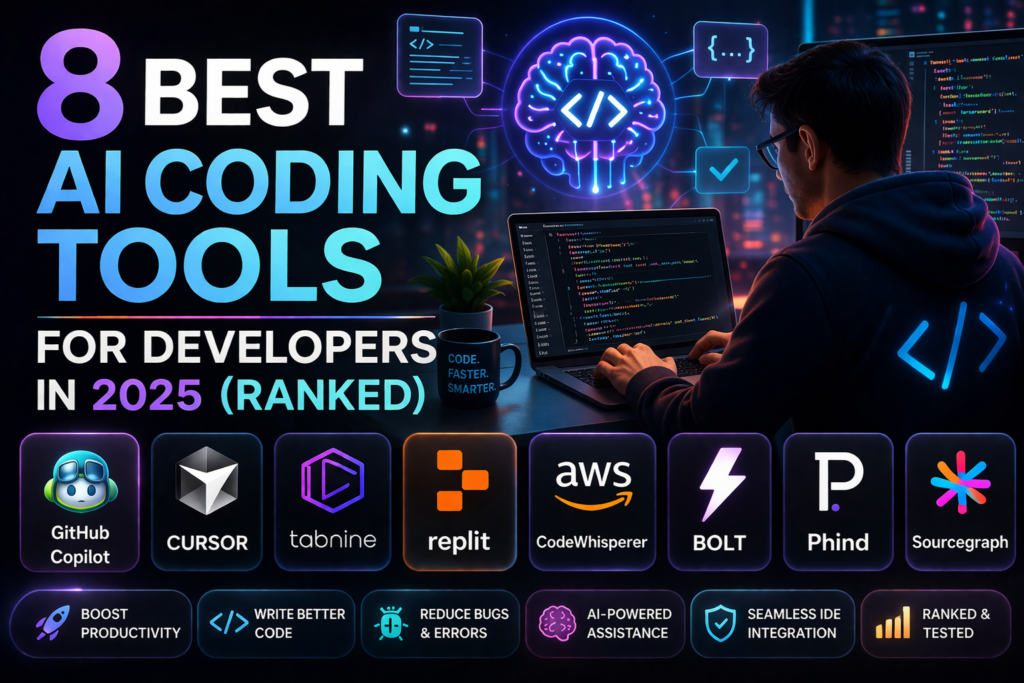
AI coding tools have gone from novelty to necessity
in 2025. The best tools are saving developers 2-4
hours per day on boilerplate debugging and code
review. Here are the 8 best we have tested ranked
by real-world performance.
QUICK PICKS
Best Overall: Cursor AI — most powerful AI editor
Best for Enterprise: GitHub Copilot — most trusted
Best Free Option: GitHub Copilot free tier
Best for Privacy: Tabnine — runs fully on-device
Best for Beginners: GitHub Copilot — easiest to start
THE 8 BEST AI CODING TOOLS
- CURSOR AI — Best Overall
Cursor is the most powerful AI coding tool
available. Built on VS Code with AI as the
core feature its Composer function understands
your entire codebase and makes multi-file
changes from natural language prompts.
Score: 9.2/10
Price: Free / $20/month
Best for: Professional developers maximum AI capability
Read our full Cursor AI review here.
- GITHUB COPILOT — Best for Enterprise
GitHub Copilot is the most widely trusted AI
coding assistant with over 1 million paid
subscribers. Deep VS Code and JetBrains
integration excellent autocomplete and a
maturing Chat feature make it the safe
reliable choice for professional developers.
Score: 8.8/10
Price: $10/month
Best for: Professional developers enterprise teams
TRY GITHUB COPILOT FREE — 30 DAYS →
Read our full GitHub Copilot review here.
- TABNINE — Best for Privacy
Tabnine is the privacy-first AI coding tool.
It can run entirely on your machine with no
code sent to external servers — making it
the top choice for enterprise teams with
strict data policies.
Score: 8.0/10
Price: Free / $12/month
Best for: Privacy-conscious teams enterprise
- REPLIT AI — Best for Beginners
Replit is a browser-based coding environment
with built-in AI assistance. No setup required —
just open your browser and start coding with
AI help. Perfect for beginners learning to code.
Score: 7.8/10
Price: Free / $20/month
Best for: Beginners learning to code rapid prototyping
- CODEWHISPERER — Best for AWS Users
Amazon CodeWhisperer integrates with VS Code
and JetBrains and is free for individual use.
Particularly strong for AWS-related code and
infrastructure. A solid free alternative to
GitHub Copilot.
Score: 7.7/10
Price: Free (Individual) / $19/month (Professional)
Best for: AWS developers free Copilot alternative
- CONTINUE — Best Open Source Option
Continue is a free open-source AI coding
assistant that works with any AI model including
local models via Ollama. For developers who
want full control over their AI coding tool
and model choice it’s the most flexible option.
Score: 7.5/10
Price: Free
Best for: Developers who want open source and model flexibility
- SOURCEGRAPH CODY — Best for Large Codebases
Cody by Sourcegraph is designed specifically
for navigating and understanding large complex
codebases. It indexes your entire codebase and
answers questions about how different parts
connect and work together.
Score: 7.6/10
Price: Free / $9/month
Best for: Large enterprise codebases code navigation
- CHATGPT — Best for Occasional Coding Help
ChatGPT with GPT-4o is an excellent coding
assistant for developers who don’t need AI
integrated directly in their IDE. Copy paste
code into ChatGPT get explanations fixes and
suggestions then paste back. Less convenient
but highly capable.
Score: 8.0/10
Price: Free / $20/month
Best for: Occasional coding help non-developers
HOW TO CHOOSE THE RIGHT AI CODING TOOL
For professional developers who code daily:
Choose Cursor AI for maximum capability or
GitHub Copilot for reliability and lower cost.
For enterprise teams:
Choose GitHub Copilot Business for trust and
management features or Tabnine for privacy.
For beginners:
Start with GitHub Copilot free tier or
Replit AI — both are beginner friendly.
For AWS developers:
CodeWhisperer is free and excellent for
AWS-specific code.
OUR VERDICT
Cursor AI is the best overall AI coding tool
for developers who want maximum AI capability.
GitHub Copilot is the best choice for enterprise
teams who need reliability and trust. Tabnine
wins for privacy-conscious organizations.
Start with GitHub Copilot’s 30-day free trial
to see how AI coding assistance fits your
workflow. Then evaluate Cursor AI if you want
to step up to more powerful AI capabilities.
FREQUENTLY ASKED QUESTIONS
What is the best AI coding tool in 2025?
Cursor AI is the most powerful AI coding tool
for individual developers. GitHub Copilot is
the most trusted for enterprise teams. Both
offer free trials to evaluate before paying.
Is GitHub Copilot worth $10/month?
Yes — for professional developers who code
daily the time saved on boilerplate and
debugging makes $10/month excellent value.
Most developers recoup the cost in the
first hour of use.
Are AI coding tools safe to use?
Reputable tools like GitHub Copilot and Cursor
have clear privacy policies. For teams with
strict requirements Tabnine offers on-device
processing with no code sent to external servers.
Can AI coding tools replace developers?
No — AI coding tools are assistants not
replacements. They dramatically speed up
coding tasks but still require developer
judgment review and direction. They multiply
developer productivity rather than replacing it.